
Need a drawing or procedure out in the plant where the signal drops? Send it from Preserve to your mobile device with a QR code. Once the document opens in the Preserve mobile app, you can keep using it even without a connection.
💡 Before you start, install the Preserve mobile app and sign in. See Preserve Mobile App.
Step 1: Find the document
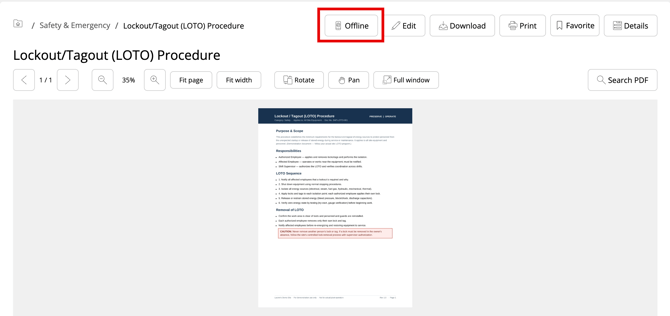
Open the Document Browser on a computer and go to the document. You can also find it with search, by name or by system code. See Global Search.
Step 2: Show the QR code
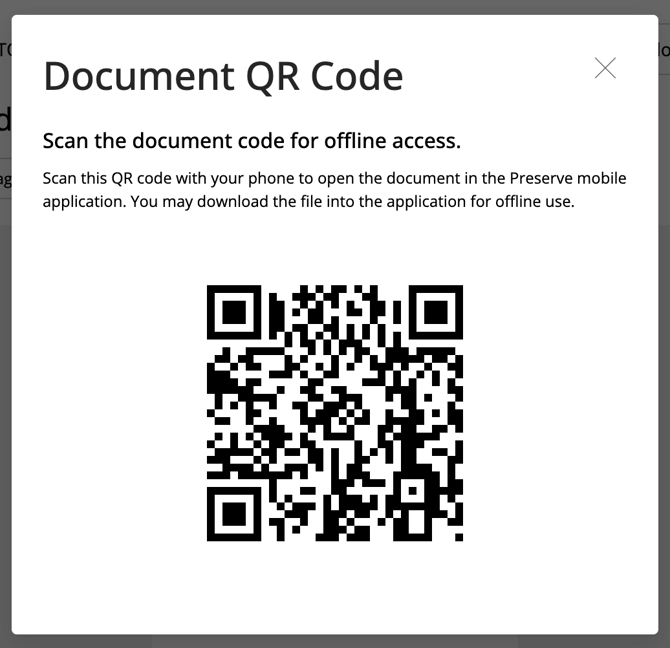
Click Offline on the document. A QR code appears on screen.
Step 3: Scan it with your mobile device
Scan the QR code with your mobile device. The document opens in the Preserve mobile app.
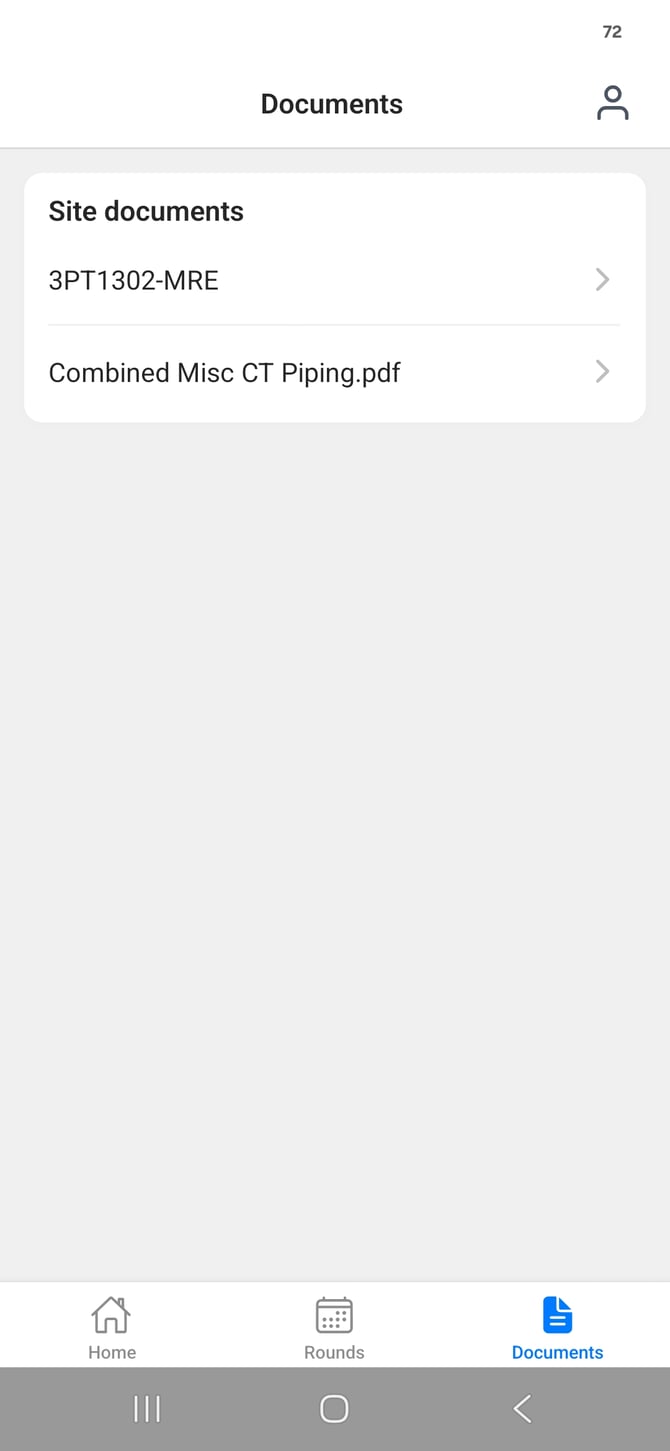
💡 Do this before you head out, while you still have a connection. Once the document has loaded in the app, you can use it offline.