Any native course
in Preserve Learn can have an optional final quiz — a capstone assessment that pulls questions from across the course's modules. Here's how to set one up.
Step 1: Enable the quiz
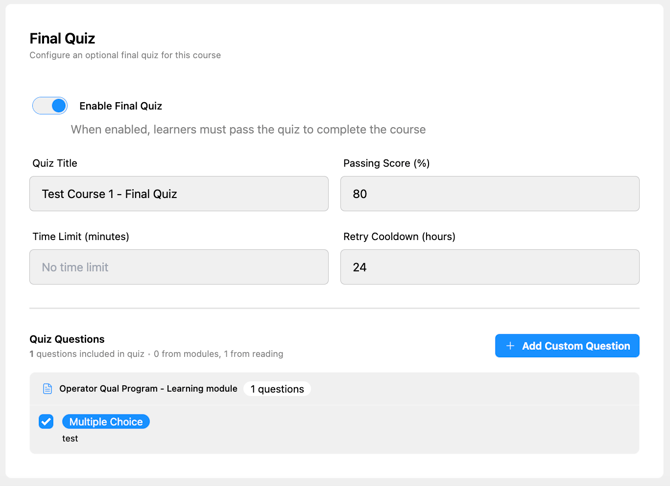
From the Edit Course page, scroll to the Final Quiz section and toggle it on. This activates all the quiz settings below.
Step 2: Configure quiz settings
| Setting | What it controls |
|---|---|
| Quiz Title | Give this quiz a title |
| Passing Score (%) | The minimum percentage a learner must score to pass |
| Time Limit (minutes) | Sets a maximum time to complete the quiz (optional) |
| Retry Cooldown (Hours) | How long a learner must wait before retaking a failed quiz |
Step 3: Build the question pool
The quiz draws from two sources:
Questions from modules — Any Multiple Choice or True/False question you've added to a module can be made quiz-eligible by checking Include in course quiz when creating the block. These questions still appear inside their module as practice, and are also available to be pulled into the final quiz.
Custom quiz questions — You can add standalone questions directly to the final quiz section that don't appear anywhere in the module content. These are useful for higher-level synthesis questions that test the full course, not just individual modules. Use the + Add Custom Question button and then create a multiple choice or true/false question.
Step 4: Manage the question pool
On the Edit Course page, the quiz questions panel shows all eligible questions from the current version. Use the include/exclude toggles to control which questions are active in the pool — toggling saves instantly. The quiz randomly draws from whichever questions are included, up to the Question Count you set.
What happens when a learner takes the quiz
After completing all modules, the learner reaches the final quiz. They answer all questions within the time limit (if set), then submit. The quiz is auto-graded immediately for Multiple Choice and True/False questions.
- Pass → the course is marked complete
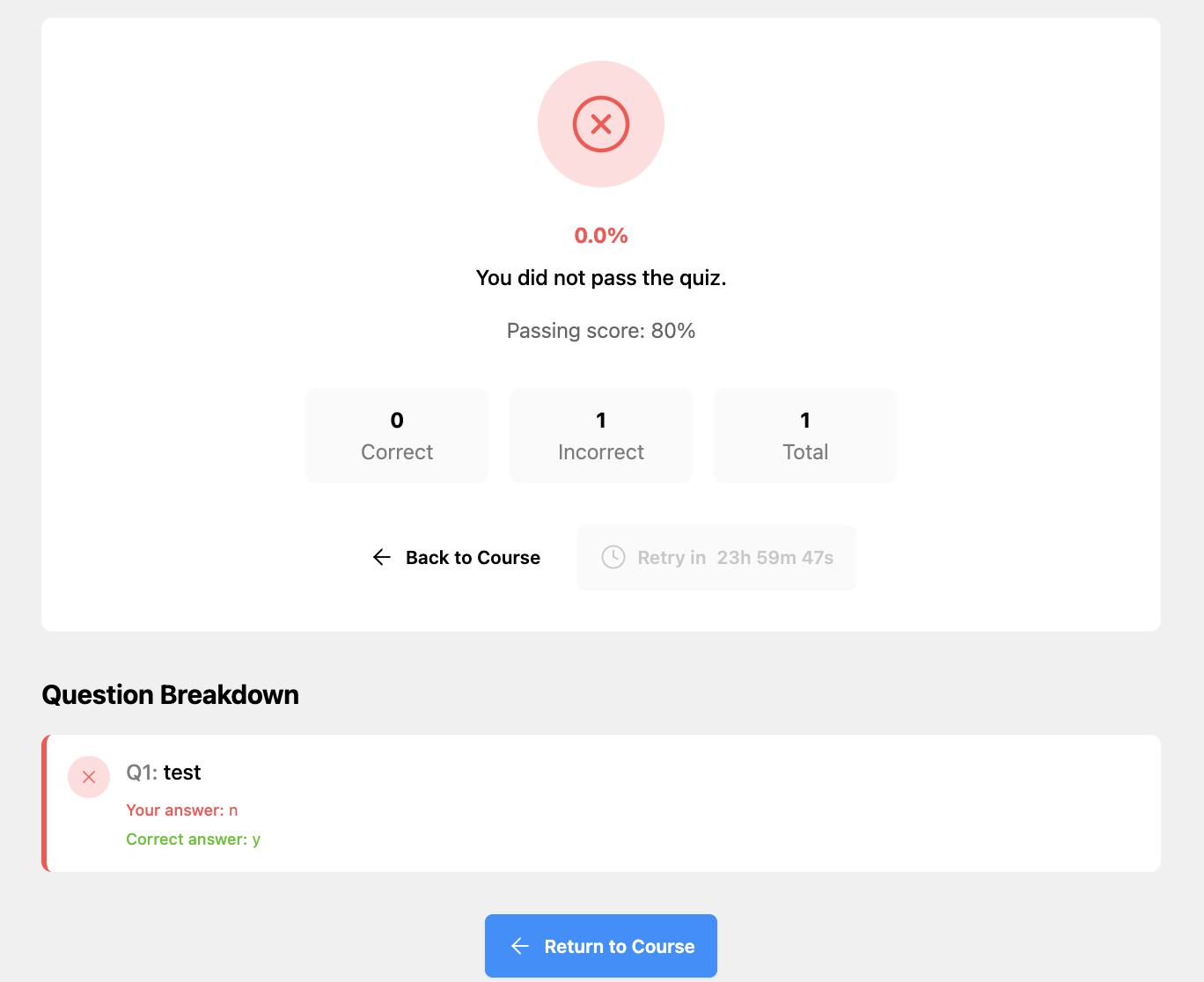
- Fail → the learner must wait for the Cooldown period before retaking. A live countdown shows how much time remains until they can try again.